Record focus at the source
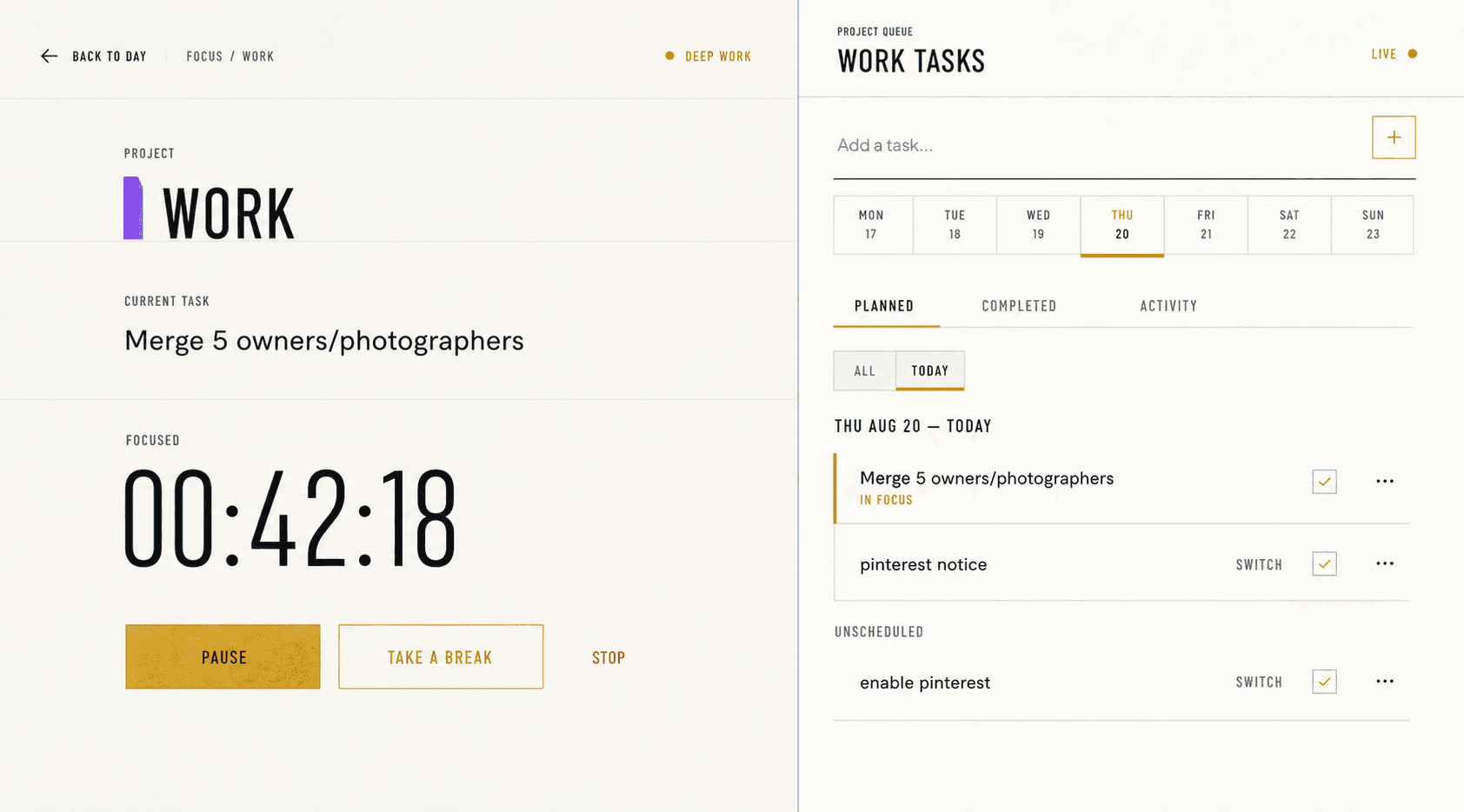
Start sessions from the project or task receiving the work. The resulting history can then be grouped without asking you to reconstruct the week from notes or browser history.
If a session changes from one task to another within the same project, the project context can remain stable while the task history records the switch.
Compare equal periods
A week-over-week comparison should use the immediately preceding period of equal length. Compare recorded focus, completed work, and session count—not a hidden composite score.
Project budgets should be optional and mathematically explicit. For a partial week or longer range, show how the weekly target is prorated rather than implying a mysterious target.
Keep client reports factual
A client summary can include project, recorded focus, billable and internal time, session count, and completed tasks. It should not invent hourly rates, invoices, or causal claims.
Exported history remains user-owned. CSV supports analysis and handoff; the Review workspace can also be printed or saved as a PDF for a stable client-facing period summary.